Today's AI-appliance guide argued that an account and connection model deserve as much attention as capacity and installation. After an appliance enters the home, the questions become more specific: Does every family member need app access? Which phone should handle remote control? What needs to be set up again after a new phone or a move? Deciding the scope at the start lets a household use convenient features without multiplying the accounts it must manage.
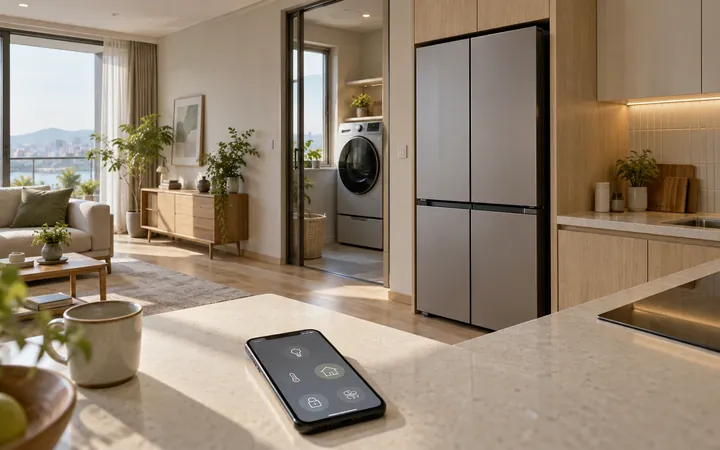
Samsung SmartThings is a service for connecting and managing home devices in one app. Menus can differ by product, country and connection method, so it is better to confirm whether the devices and phone you actually use are supported than to rely on a feature name alone.
Start with one account and the basic functions
Right after installation, it is usually simpler to have one person who will actually manage the appliance confirm registration, Wi-Fi and essential notifications before inviting every family account. A refrigerator may need temperature or door alerts, while a washer dryer may make its completion alert useful. Turning on every alert can bury the important ones. For each appliance, deciding who receives which alert on which device is enough to begin.
 Samsung Newsroom Korea
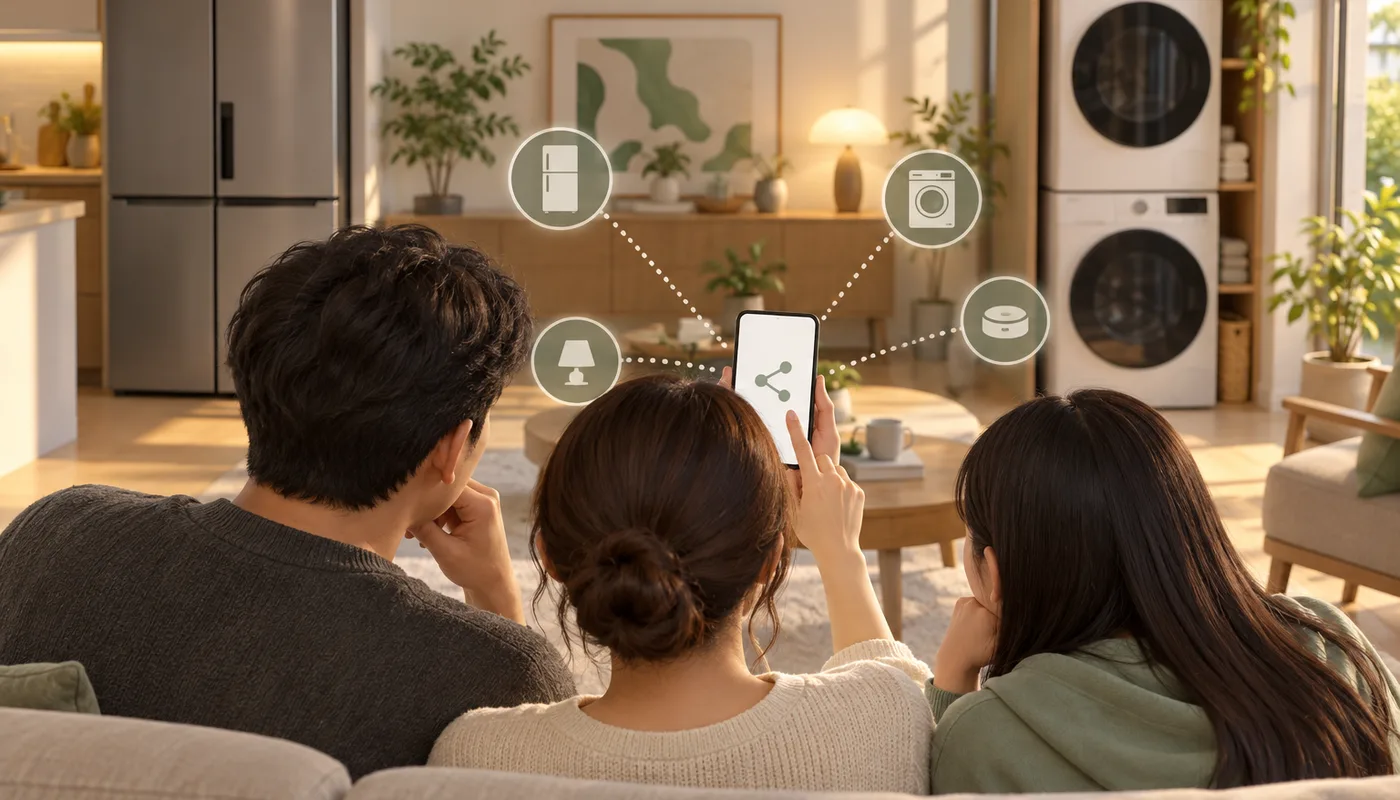
Separate seeing together from controlling together
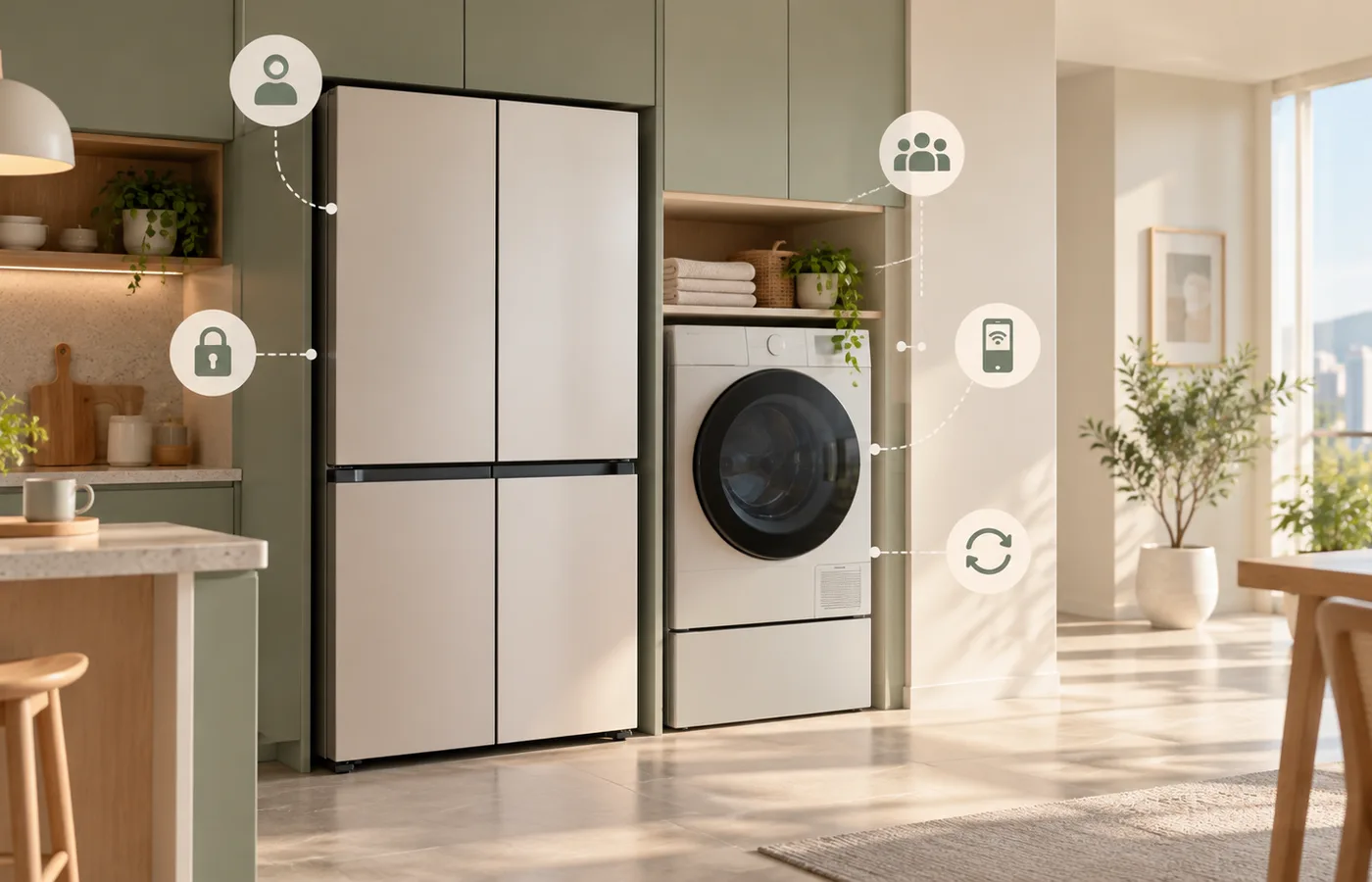
Even for an appliance shared by a family, not everyone needs the same access. Receiving a laundry-finished alert is different from starting a cycle or changing settings from outside the home. If an app offers separate permissions, share notifications first and add only the people who actually need remote control. Sharing one account password makes it harder to tell who accessed the home and from which device, so it is better avoided.
Review the sharing list when people stop living together, or when a phone was temporarily connected for a repair visit or a short stay. Deleting an account may not be necessary, but removing access for people and devices that no longer manage the home reduces confusion at the next move or appliance replacement.
Keep remote control only when it serves a clear moment
Remote features can help when you want to check that laundry has finished while away or see a home's status before returning. The actions available remotely and their safety conditions vary by appliance. Do not assume every action can begin from outside; check the product manual for the scope and prerequisites. Leaving only the alerts and controls you actually use is easier to understand than keeping every available remote permission enabled.
Check updates and the device list when the season changes
An appliance software update can change more than features; it may also change connection methods or security-related settings. Instead of dismissing every update alert, check what it changes and when it will apply. After replacing a phone or router, check whether an old phone or unused network still remains in the account. This is not a weekly task. A seasonal check, or one after a move or device replacement, is usually enough.
The usefulness of an AI appliance does not come from connecting as many things as possible. It comes from keeping the functions that reduce a repeated household task and making clear which people and devices manage them. On installation day, basic operation and alerts are enough. Family sharing and remote control can be added one at a time when a real need arises.
Sources reviewed
The article was checked against the sources below. Image context and credits appear in each caption.