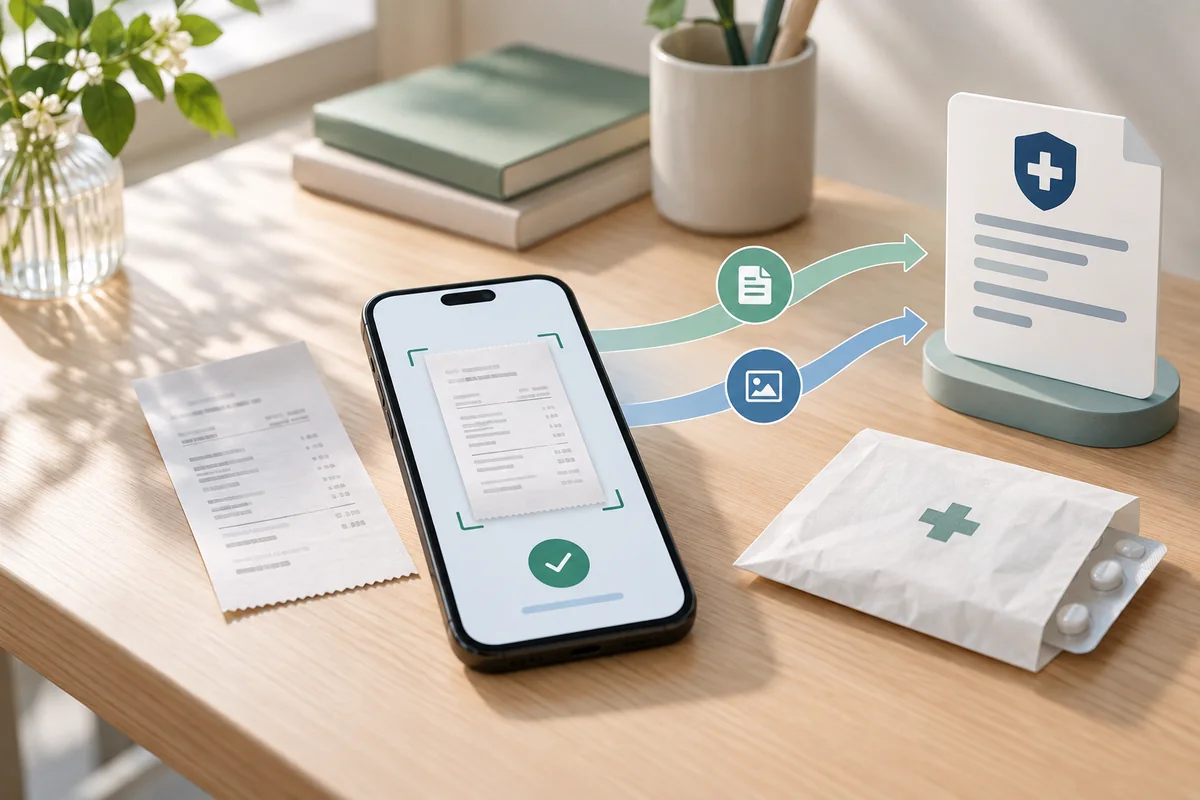
Since October 7, 2026, policyholders in Korea can complete private medical expense insurance claims inside Naver Map, Naver Pay and Toss. Previously, a claim started in those apps redirected the user to the Silson24 website. Users can now confirm the provider, treatment date, insurer and bank account, then transmit the claim without leaving the app. Fewer steps, however, do not mean every medical visit is paperless.
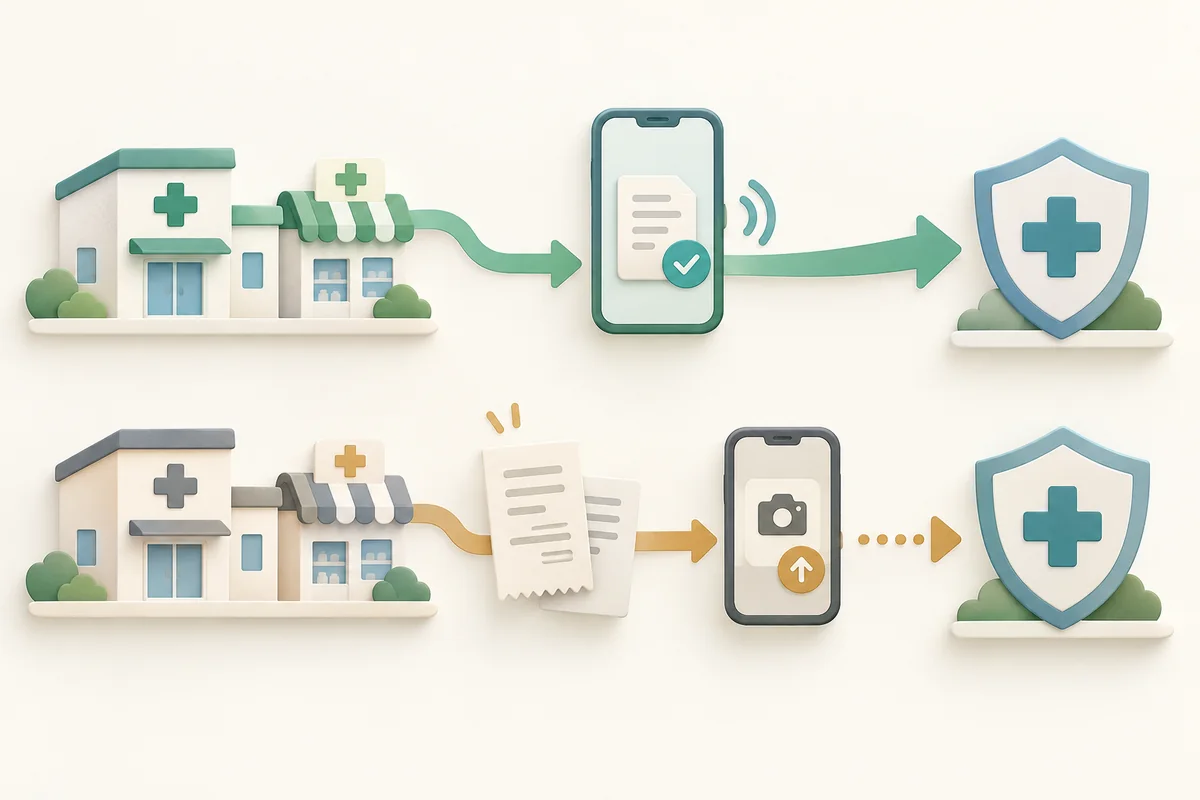
The first condition for an electronic claim is that the hospital, clinic or pharmacy must be connected to Silson24. The second is that the basic transmitted documents must be sufficient for review. If either condition is not met, paper records or additional files may still be required.
The change is that the claim no longer leaves the app
With consent to use MyData, Naver Map, Naver Pay and Toss can retrieve the provider, treatment date, insurer and account number. Users who do not consent can enter the required fields themselves. In either route, the policyholder still verifies identity, selects the treatment record and policy, reviews the claim and requests transmission.
A claim confirmation and an insurance payment are not the same thing. After submission, the insurer reviews policy coverage, deductibles and supporting evidence. Completing transmission within an app removes data entry and navigation, but it does not automate the insurer’s benefit decision.
A 47.7% connection rate means searching the provider first
As of September 28, the Financial Services Commission counted 50,340 connected providers, or 47.7% of 105,643 eligible institutions. The rate was 60.0% for hospitals and public health centers and 46.7% for clinics and pharmacies. Coverage has expanded to neighborhood providers, but roughly half of eligible institutions still cannot submit claims electronically.
What matters first is whether the hospital and pharmacy are connected, not simply whether the policyholder has joined Silson24.
Users can search the Silson24 official website by hospital, clinic or pharmacy name. Naver Map now shows a Silson24 banner on participating provider pages and offers a filter for connected institutions. Checking a provider before a regular visit makes it easier to know which documents may need to be collected afterward.
Documents sent automatically and documents added separately
At a connected medical provider, the bill and receipt, detailed medical expense statement and prescription can be transmitted electronically. Silson24 also handles medicine receipts from connected pharmacies. The policyholder verifies identity, chooses the policy and treatment record, and requests transmission; receiving care alone does not automatically send medical data to an insurer.
Hospitalization or surgery claims may require a diagnosis certificate or admission and discharge confirmation to be attached separately. Photos of additional documents can be uploaded through Silson24, but the exact requirement depends on the policy and claim. The Silson24 FAQ explains where transmitted documents appear; any follow-up request should also be checked against the insurer’s notice and policy terms.
A missing treatment record is not a reason to abandon the claim
Using an unconnected provider does not eliminate insurance coverage. It changes the submission route. The policyholder can obtain the receipt, detailed statement and other required documents from the provider, then submit them through the insurer’s app or website or by an existing method such as fax or mail. When a treatment record does not appear electronically, check the provider’s connection status first.
Convenience still calls for checking the transmission scope
MyData autofill is optional. Users can read the consent screen and decide based on the information retrieved and its purpose. Silson24 also proceeds only after the user selects a treatment record and requests transmission. Medical data for an unclaimed visit is not automatically sent to an insurer.
A parent can use the minor-child claim function, and another person can assist with preparing a claim for an adult. These functions do not let an assistant receive the insurance payment; identity verification and final transmission are still required. If records remain unavailable or connection errors repeat, users can call the Silson24 help desk at 1811-3000 or contact their insurer.
As of September 28, Silson24 had about 5.21 million registered users and roughly 4.61 million cumulative claims. Completing a claim without leaving a familiar app is a meaningful convenience. For now, the safer order is to check whether both the medical provider and pharmacy are connected and whether the claim needs extra evidence before choosing an app. Those two checks reduce the chance of losing documents or giving up when an electronic claim is unavailable.
Sources reviewed
The article was checked against the sources below. Image context and credits appear in each caption.