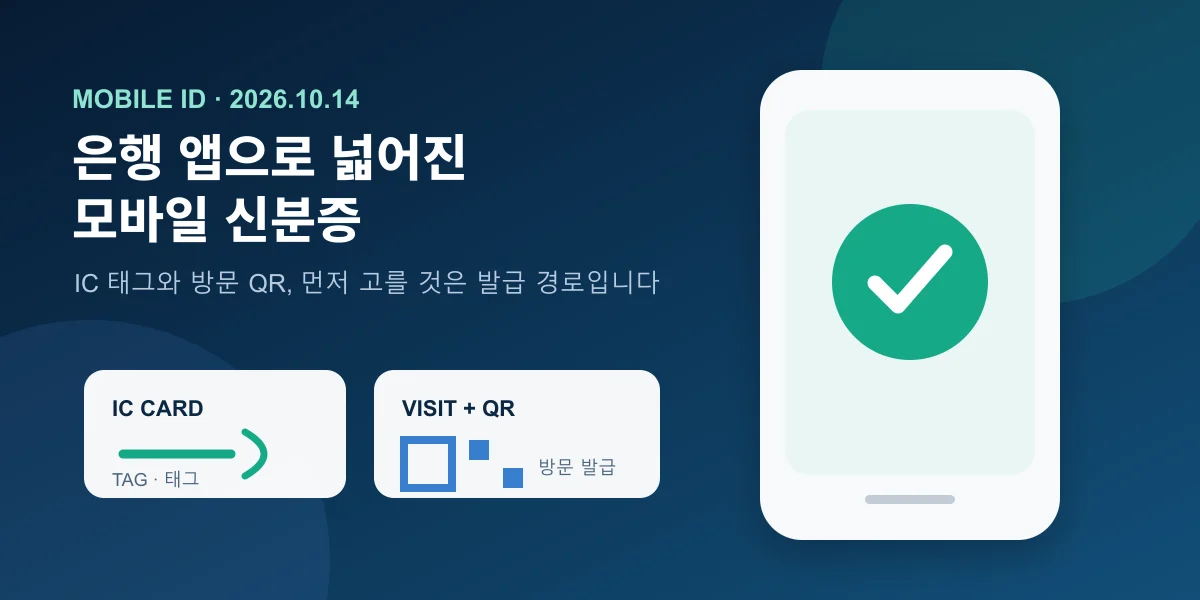
Starting October 14, 2026, mobile IDs can also be issued and used through the apps of IBK Industrial Bank of Korea, Shinhan Bank, Woori Bank and Hana Bank. If one of these is already part of your daily routine, you now have another option. Before installing or opening an app, however, check your physical ID and decide how you will obtain the mobile version.
There are two routes for a first mobile resident registration card. You can tap an IC resident registration card on your phone, or take your current card to a community service center and scan the QR code provided there. The better choice depends on whether you want issuance without replacing the card or easier reissuance after changing phones.
Four bank apps added on October 14
According to the Ministry of the Interior and Safety, the new providers are IBK, Shinhan, Woori and Hana. Six private providers were already offering the service, including Samsung Wallet, KB Kookmin Bank, Naver, NH NongHyup Bank, Toss and KakaoBank. The expansion means more choice inside apps people already use. It does not mean every app supports the same devices, credentials or menus, so read the selected app's current notice before issuance.
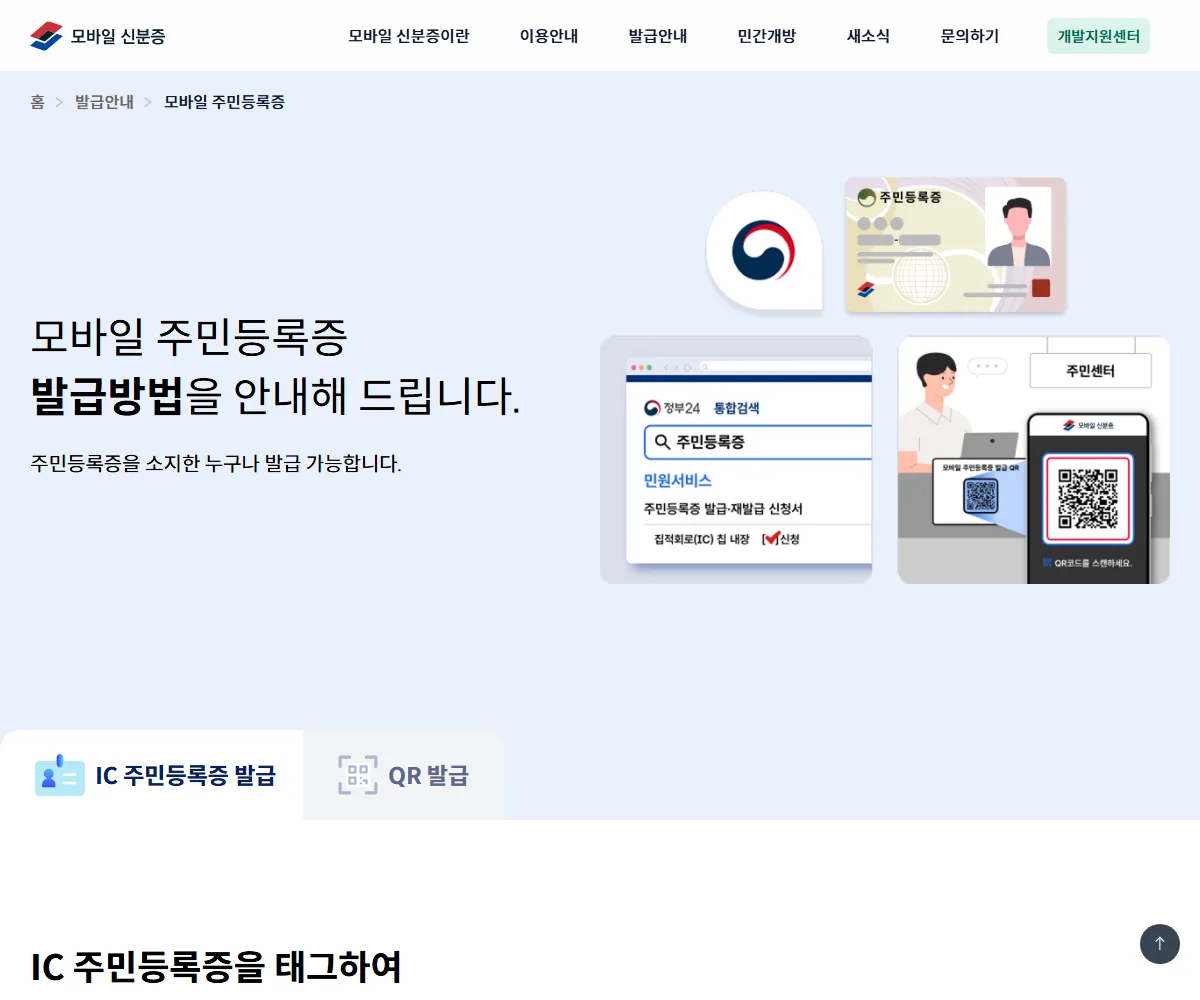
More apps do not create a need to issue the credential everywhere. Start with one app you use often. Device and credential support may change, so do not assume instructions for one app apply to another.
IC starts with the card; QR starts at the counter
With an IC resident registration card, you can verify yourself in the app and tap the card on the back of the phone to issue the mobile credential. Without an IC card, take your physical resident registration card to a nearby community service center, complete the form and scan the QR code shown by the official. Both routes require a phone registered in your name and the identity checks requested by the app.
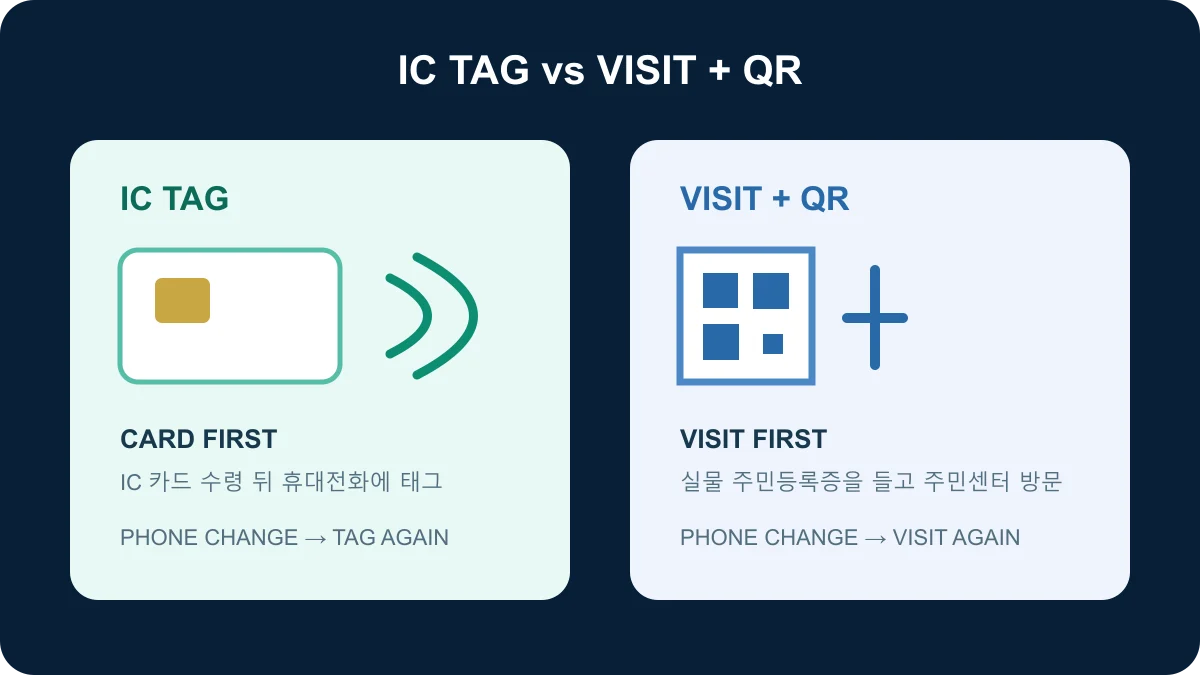
IC is less cumbersome if you change phones often
To replace your card with an IC resident registration card, the official guide asks for a 3.5-by-4.5-centimeter photo taken within six months and your current ID. The listed replacement fee is KRW 10,000. After receiving the card, tap it on the phone to issue the mobile ID. The route adds a fee and card pickup, but a later phone change can be handled by tapping the IC card again and completing identity verification.
That difference matters if you replace phones frequently or may reinstall the app. Application, pickup and possible fee reductions can vary with individual circumstances, so confirm them with the community service center or current official guide when applying.
Use in-person QR to keep your current physical card
You do not have to replace your current resident registration card with an IC version. Bring the physical card to a community service center, submit the application, verify yourself in the app and scan the counter's QR code. You do not have to wait for a new card to be produced.
The trade-off appears when the phone changes: a credential issued through the counter QR requires another visit to the community service center. This route is best understood as immediate issuance without replacing the card, not as a way to avoid every future visit.
What to prepare before visiting
Before a visit, prepare the physical ID and a phone registered in your name. Also confirm that the chosen app supports your device and the credential you want. Follow the current mobile-ID guidance inside the app rather than an old sequence of screenshots.
Services with similar names, such as a resident-card confirmation feature in another app, may differ from the government-issued mobile ID in issuance and accepted uses. Do not judge by the app name alone. Check how the issuer and supported scope are described on screen.
Open the live app instead of showing a screenshot
When identification is required, open the app instead of presenting a saved screenshot or photo. The other party may inspect the live display or scan a verification QR code, depending on the place and transaction. A screenshot does not help verify authenticity and may leave personal information in your photo library.
For a time-sensitive bank visit, government appointment or domestic flight, check the institution's current instructions before leaving. The mobile ID is a government-issued credential with the same legal effect as the physical ID, but the site's verification equipment and workflow are a separate operational question. During the early period, carrying the physical ID as a fallback can be practical when the trip allows it.
After a phone change or loss, trace the original issuance route
If the credential was issued with an IC card, install the app on the new phone, tap the IC resident registration card again and complete verification. If it was issued through the counter QR with a conventional card, return to a community service center for another QR scan. Before moving to another app, also check how the new issuance will affect the existing credential.
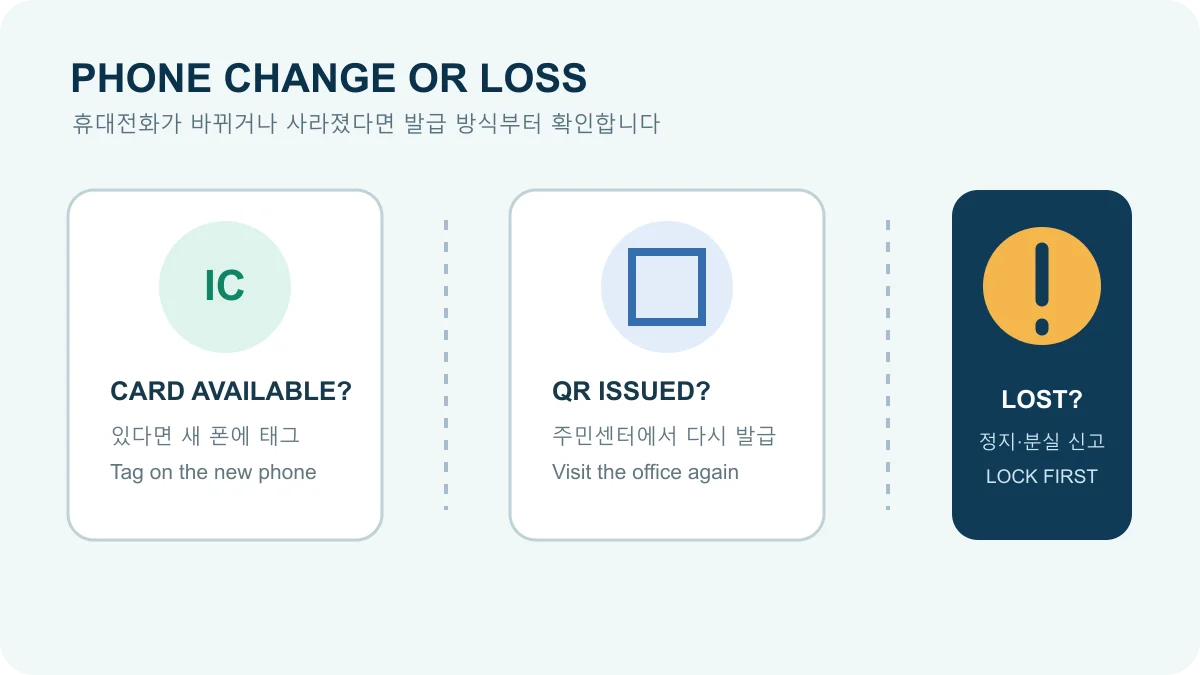
Four additional bank apps broaden the choice. Pick one app you use regularly, check whether you have an IC resident registration card, and weigh the work required after a future phone change. That sequence prepares you not only for issuance today, but also for obtaining the credential again later.
Sources reviewed
The article was checked against the sources below. Image context and credits appear in each caption.