Starting with the ‘up to 2,000MB/s’ figure can make a portable SSD purchase more confusing. A laptop port limited to USB 3.2 Gen 2 at 10Gbps cannot use all the bandwidth of a 20Gbps drive. The computer’s port specification therefore comes before the drive comparison.
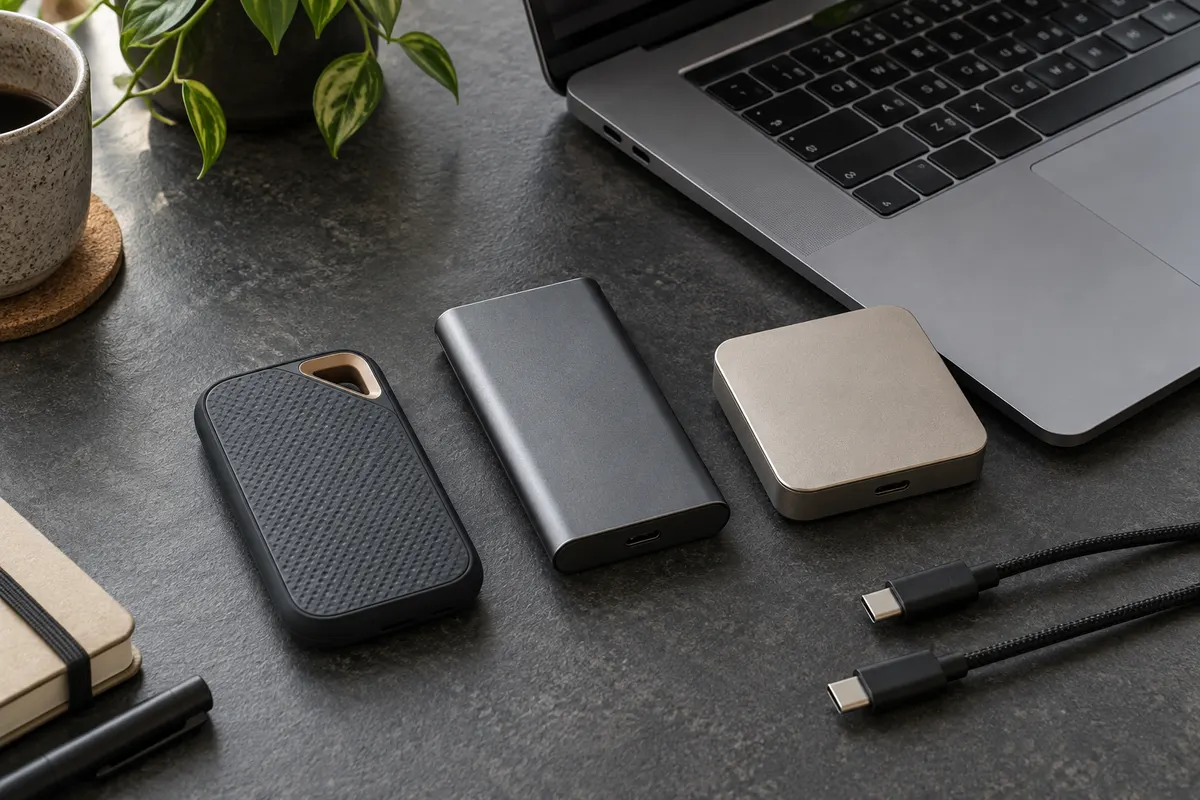
This guide compares 1TB versions of the Samsung T7 Shield, Samsung T9 and SanDisk Extreme Portable SSD E61. All three are portable NVMe SSDs, but their speed conditions, weight, protection and warranty differ. Manufacturer specifications, independent lab measurements and public buyer feedback are different types of evidence.
USB-C shape versus 10Gbps and 20Gbps
The Samsung T7 Shield and SanDisk E61 use USB 3.2 Gen 2 at 10Gbps. Both list sequential speeds of up to 1,050MB/s read and 1,000MB/s write. The T9 uses USB 3.2 Gen 2x2 at 20Gbps and lists up to 2,000MB/s read and 1,950MB/s write. Its extra bandwidth matters only when both the computer and cable support Gen 2x2 at 20Gbps.
In StorageReview’s guide updated on October 13, 2026, Blackmagic testing measured the T9 at 1,566MB/s read and 1,581.6MB/s write, while the T7 Shield reached 893.8MB/s read and 936.5MB/s write. The figures on the box are ideal ceilings, while these are results from one test environment. Neither guarantees the speed of a particular computer.
Key differences among the three 1TB drives
| Product | Interface and max read/write | Protection, weight and warranty | Indexed price reference |
|---|---|---|---|
| Samsung T7 Shield 1TB | 10Gbps · 1,050/1,000MB/s | IP65 · up to 3m · 98g · 3 years | KRW 414,000–432,000 |
| Samsung T9 1TB | 20Gbps · 2,000/1,950MB/s | Up to 3m · 122g · 5 years · no official IP listing | About KRW 314,000 |
| SanDisk Extreme E61 1TB | 10Gbps · 1,050/1,000MB/s | IP65 · up to 3m · about 52g · 5 years | KRW 272,990–296,980 |
These prices were exposed by search indexes at different times; they are not live offers. Storage pricing can move quickly. Before paying, confirm that the listing is the same 1TB option and check its seller, delivery and authorized-warranty terms.
 Coupang
T7 Shield: outdoor carry and protection
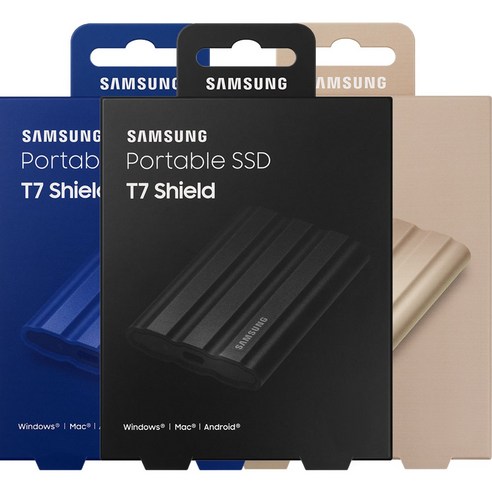
Protection, rather than peak speed, is the clearest reason to choose the T7 Shield. Samsung specifies IP65 and drop resistance up to three meters. The rubberized body is easy to grip, and the included cables connect to both USB-C and USB-A devices. It suits buyers who move photo originals or work files on a 10Gbps laptop and also value protection.
Recurring themes in public Coupang feedback match that positioning: buyers value carrying it without a separate case, the two cable types, faster transfers than hard drives and password protection. Criticism includes dust sticking to the rubber surface and a thicker, heavier body than the regular T7. Separate seller-specific delivery and service feedback from the drive itself.
 Samsung
T9: a 20Gbps port and large-file transfers
Choose the T9 because its 20Gbps port can be used, not simply because it is the newer model. When transfers regularly involve tens or hundreds of gigabytes of video, or editing takes place directly on the external drive, time savings can accumulate. If every connection is limited to 10Gbps, paying for the extra bandwidth is harder to justify.
Samsung’s review summary and individual reviews on the official 1TB page repeatedly praise transfer speed, a solid body, compact size and connections across devices. Criticism mentions dust on the rubber, small text and usability in Samsung Magician, heat during long transfers and limited gains over the T7 family when the port is wrong. Some official-page reviews are promotional, so the impressions are supporting evidence rather than performance guarantees.
 Coupang
E61: low weight and price
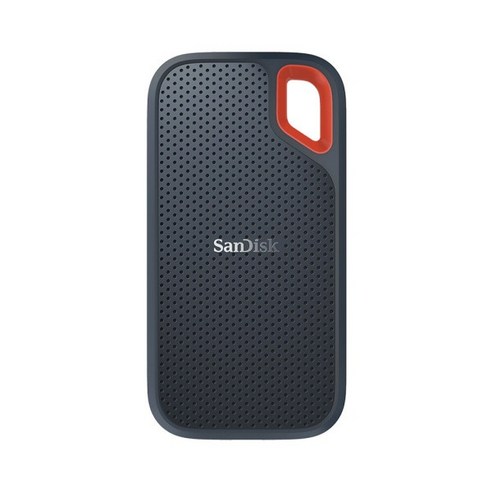
At about 52 grams, the E61 is the lightest of the three. It combines 10Gbps-class speed with IP65, drop protection up to three meters and a five-year limited warranty. The package suits people who keep a drive in their bag for photo and document backups or connect it to USB-C phones and tablets.
Public buyer reviews and user reports mention the small, light body and direct USB-C connection as advantages. A short cable, heat during sustained transfers and some connection problems also appear. In SanDisk’s official support table updated in August 2026, the affected E61 capacity for an unexpected-disconnect firmware issue is 4TB; 1TB is not listed. That is not a guarantee for every 1TB unit, so check firmware and recognition after delivery.
Choices by use case
Five pre-purchase checks
The most expensive portable SSD is not automatically the best. On a 10Gbps port, durability, weight, warranty and the actual checkout price matter more than the largest speed number. The T9’s bandwidth can be used when a 20Gbps port is available and large files move repeatedly. A file being edited on an external SSD is a working copy, not a backup, so irreplaceable data needs another copy elsewhere.
Sources reviewed
The article was checked against the sources below. Image context and credits appear in each caption.
This article contains affiliate links, and the publisher may receive a commission from qualifying purchases.